Quietkeep
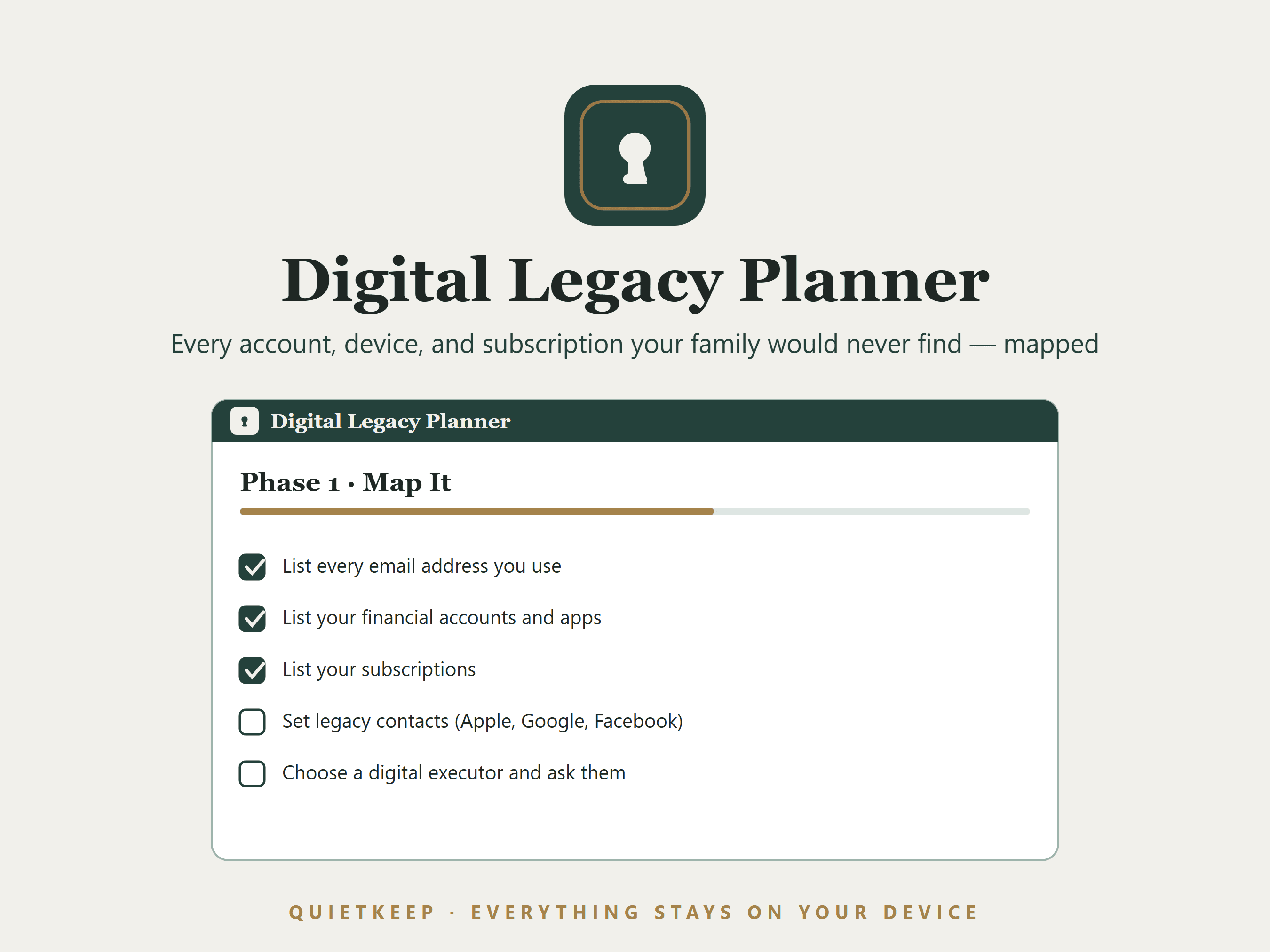
Digital Legacy Planner

Your digital life is invisible to the people who'd have to handle it.

Every account, device, and subscription your family would never find — inventoried, with instructions for what should happen to each. Offline, private, printable.

Instant download · No subscription · No account · Works on Mac, Windows, tablets & phones

Digital Legacy Planner showing the account inventory
Ready to hand over·prints the page someone else needs
Completely private·works with the wi-fi off
$14.99 once·yours forever
A real app·not a PDF or spreadsheet
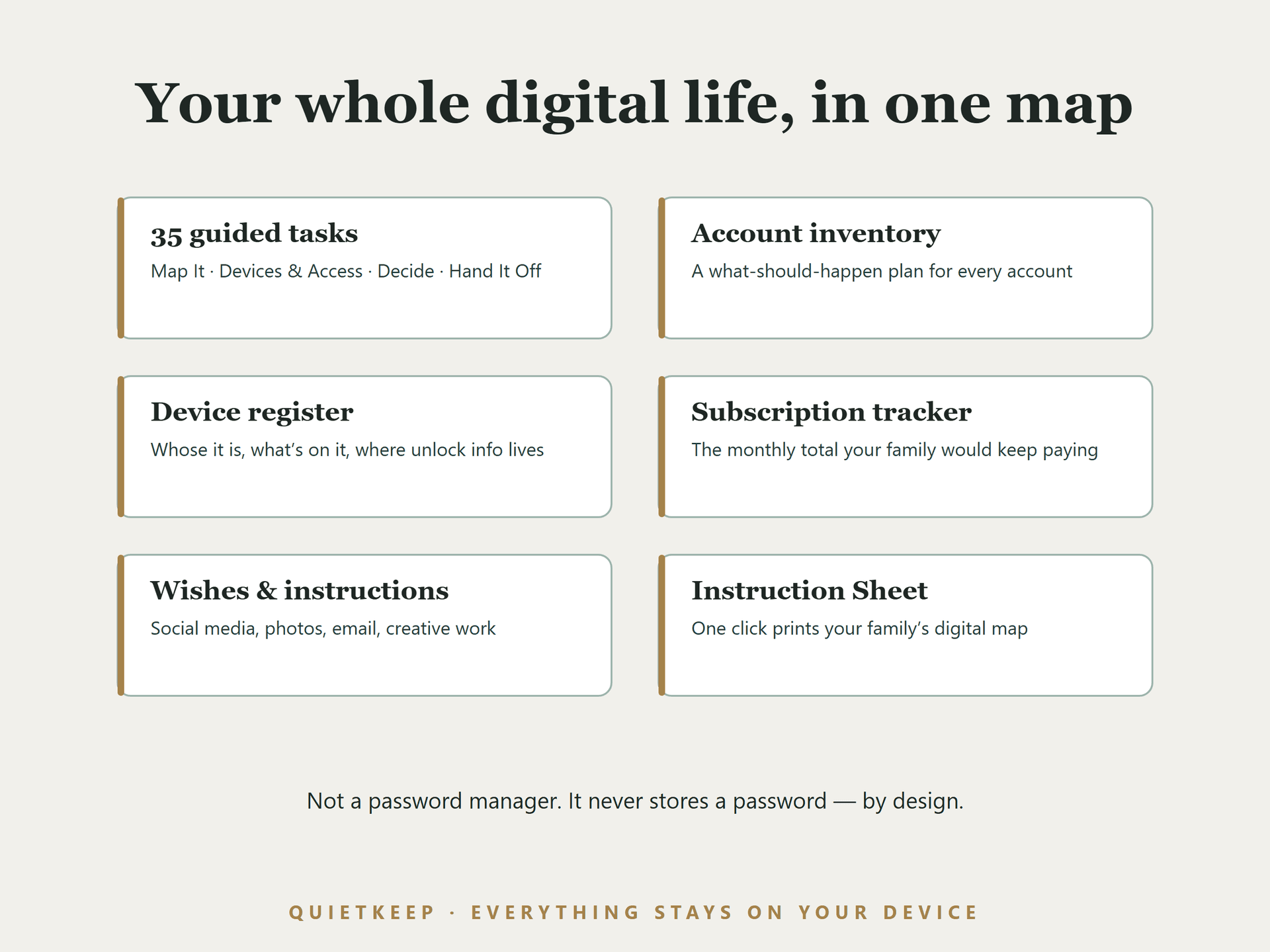
Your whole digital life, in one map

Every account, device, and subscription your family would never find — inventoried, with instructions for what should happen to each. Offline, private, printable.

35 guided tasks

Map It · Devices & Access · Decide · Hand It Off

Account inventory

A what-should-happen plan for every account

Device register

Whose it is, what's on it, where unlock info lives

Subscription tracker

The monthly total your family would keep paying

Wishes & instructions

Social media, photos, email, creative work

Instruction Sheet

One click prints your family's digital map

Account inventory
Your digital life, mapped. Every account with a what-should-happen plan.
Never stores passwords
Never a password. It records the map, never the keys.
How it works
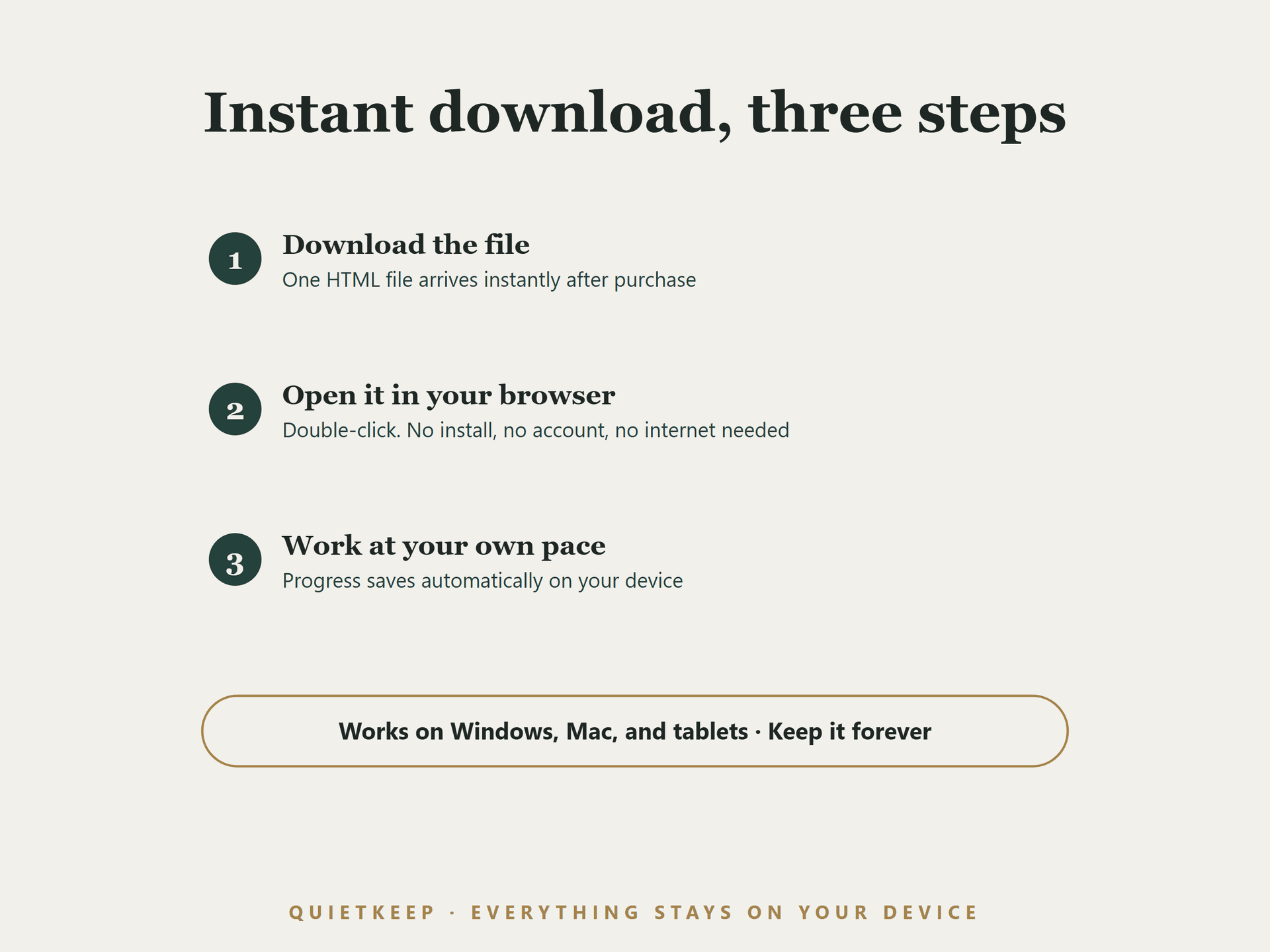
A real app. Instant download, fully offline.

Private by design, not by promise

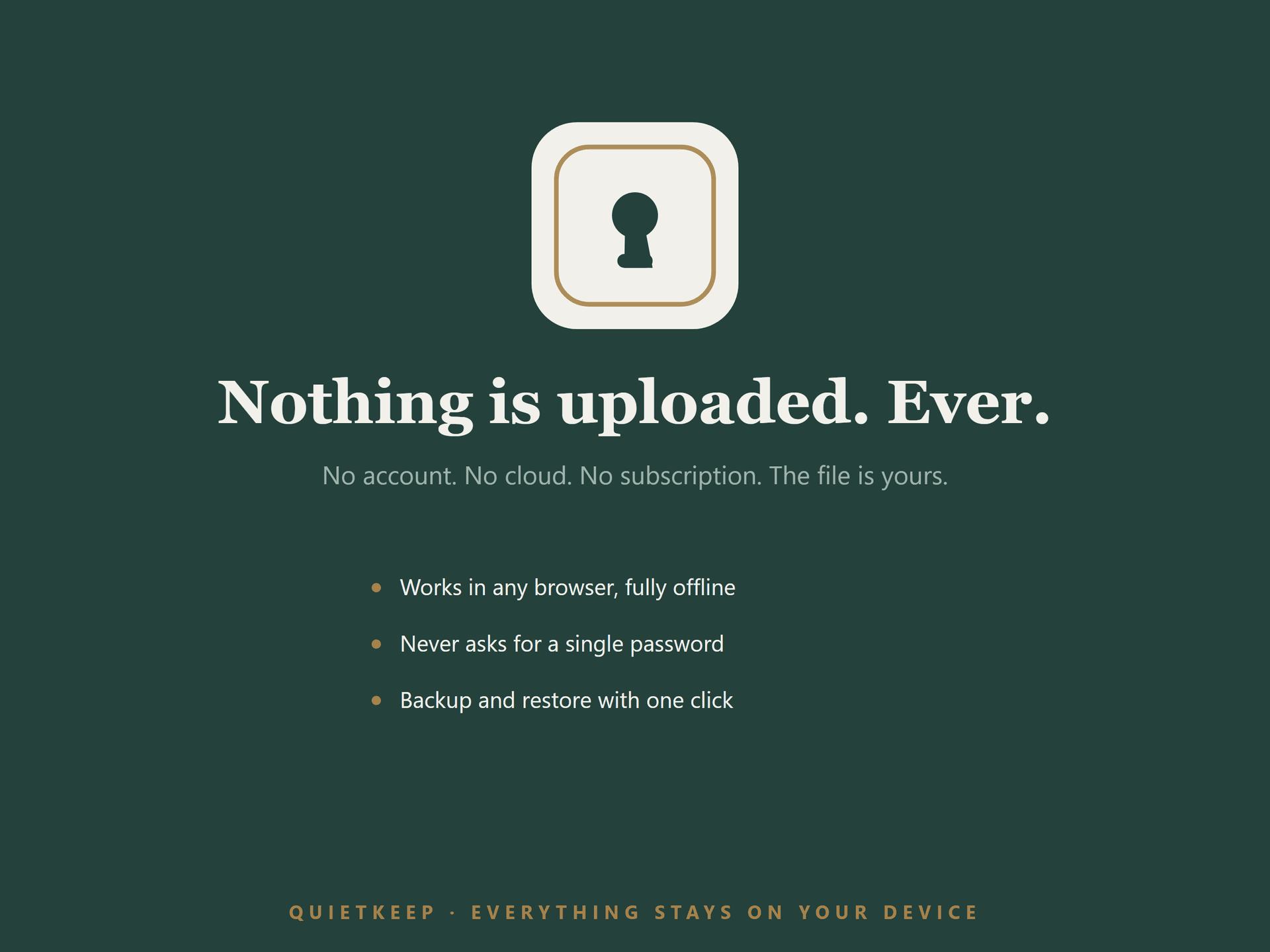
Nothing you type ever leaves your device, and it never asks for a password by design.

Zero network requests

The app is a single file that runs entirely in your browser, on your device. It makes no connections and loads nothing from the internet. You can run it with Wi-Fi off. It also means the file itself isn't encrypted or password-protected — anyone who can use this device and this browser can open it, so keep it somewhere only you can reach.

Never a password

By design, it never asks for or stores passwords or PINs. It records that accounts exist and where your written instructions live — the map, never the keys.

Yours forever

One-time purchase. The file is yours, works offline for life, and will still open years from now, exactly as it does today.

Don't take our word for it — try it

This is the actual app, loaded with a fictional sample plan so you can see it working. Click around. Check off a task. Nothing here is a mockup.

Live demo — a fictional sample plan

The demo resets when you leave the page. The full version saves your work automatically and includes backup & restore.

Digital Legacy Planner

$14.99 once

third leg of the Estate Suite; the digital-life module the other two products point at.

  • 35 guided tasks across four phases: Map It, Devices & Access, Decide, Hand It Off
  • An account inventory with a what-should-happen decision for every account: transfer, memorialize, close, let lapse, or family decides
  • A device register: whose it is, where unlock info lives, what's on it that matters
  • A subscriptions register with a running monthly total — what your family would keep paying without this list
  • Key people in one place: digital executor, password manager emergency contact, legacy contacts
  • A Wishes section in your own words: social media, photos, email, creative work
  • A one-click printable "What My Family Needs to Know About My Digital Life" instruction sheet
  • Auto-save with backup and restore
Get it — $14.99

If anything doesn't work, email us and we'll make it right: hello@quietkeep.co

Planning the rest of your estate, too?

Third leg of the Estate Suite. Product #2's digital-accounts wish section is the seed this product grows; the pairing is designed. All three are also sold together as the Estate Suite for $34.99, which is $9.98 less than buying them separately.

See the Organizer

Related reading

Free guides on the same topic, no purchase required.

When a Planning App Shuts Down: What Happens to Everything You Put In It

Planning services get acquired, merged, and retired — it happens routinely. Here is what those transitions actually look like from a user's side, and how to keep a usable copy of your own information regardless of what any vendor does.

Legacy Contacts: Setting Up Apple, Google, and Facebook's Official Handoffs

A step-by-step guide to setting up a legacy contact on Apple, Google, and Facebook — the official digital estate planning tools that decide who reaches your accounts, no passwords required.

The Digital Estate Planning Checklist: Mapping Your Online Life Before Someone Else Has To

A practical, step-by-step checklist for inventorying your accounts, devices, and subscriptions — so your family isn't locked out of your digital life when it matters most.

Quiet updates, when it matters

Leave your email and we'll tell you when the next organizer exists. Nothing else — your data stays on your device either way.

Questions, answered plainly

Is this a subscription?+

No. You pay $14.99 once and the app is yours forever. There is no account, no renewal, and nothing that expires.

Do I need to install anything?+

No. You download a small file, double-click it, and it opens in the browser you already use — on Mac, Windows, tablets, and phones.

Is my information really private?+

Yes, structurally. The app makes zero network requests — you can verify this with Wi-Fi turned off. Your entries live only on your device, and your backup is a file you control.

What if it doesn't work for me?+

Email hello@quietkeep.co and we'll make it right. We answer every message.